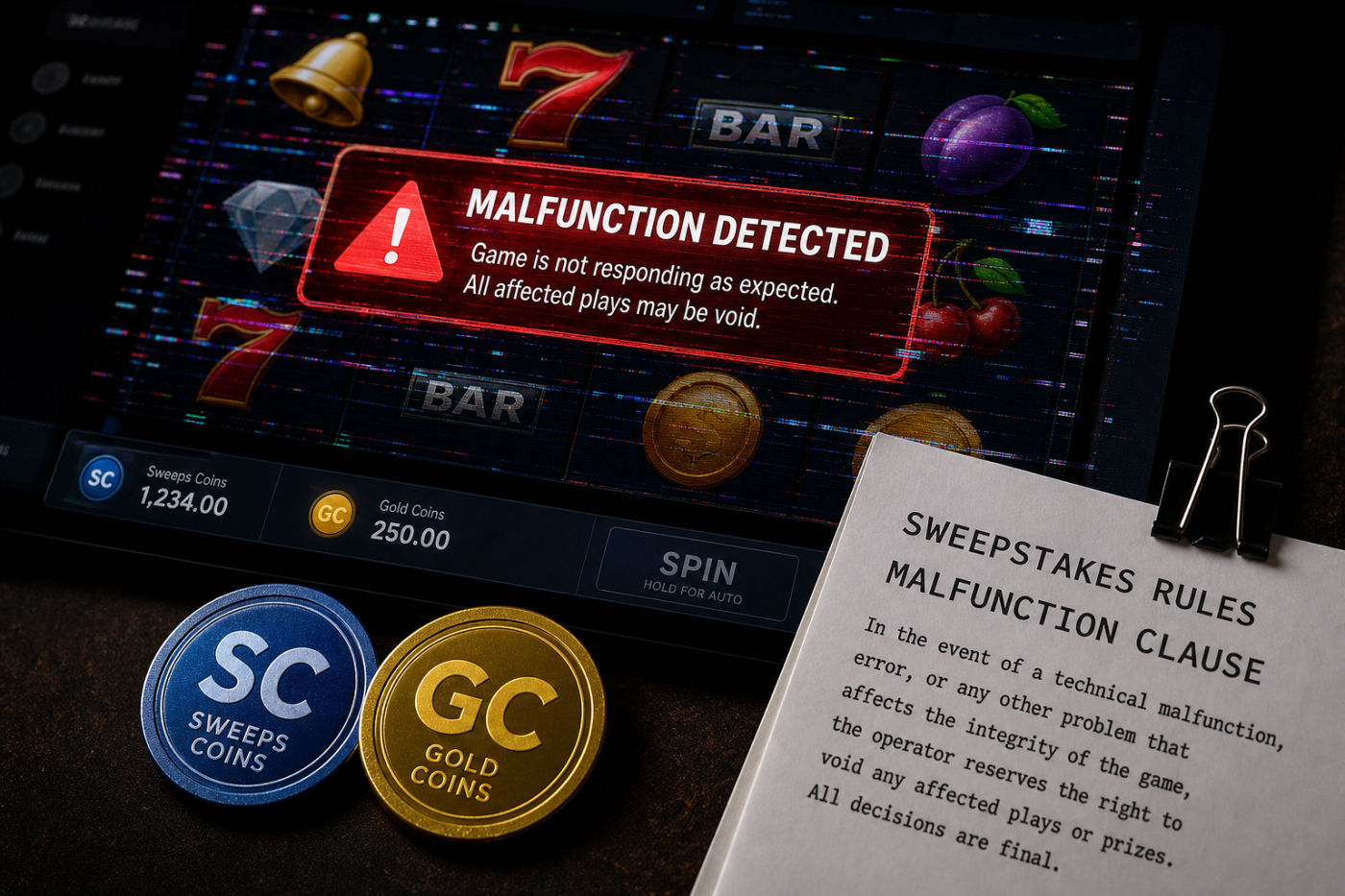
Short Answer: A malfunction clause may let a sweeps casino void plays, prizes, or balances tied to a genuine technical error, such as a frozen game, incorrect display, server mismatch, or impossible prize result. If something glitches, take screenshots fast, stop playing that title, save balance details, and report it in one clear support thread. Terms apply.
By Ethan Parker, Sweeps Flow Editorial | Updated August 2026
If a game freezes right after a big-looking result, your heart does not gently tap you on the shoulder. It enters the room with a marching band. But before you panic, refresh, or keep clicking, pause. This is where the malfunction clause matters.
Many sweepstakes casino terms include language saying a technical malfunction can void affected plays, prizes, or balances. The fine print needs supervision. Your job is not to out-argue the clause in the moment. Your job is to collect clean proof before the screen changes.
Quick Take: What to Know About Sweeps Glitches
- Malfunction clauses are common. They may let operators void activity tied to genuine software, display, server, or balance errors.
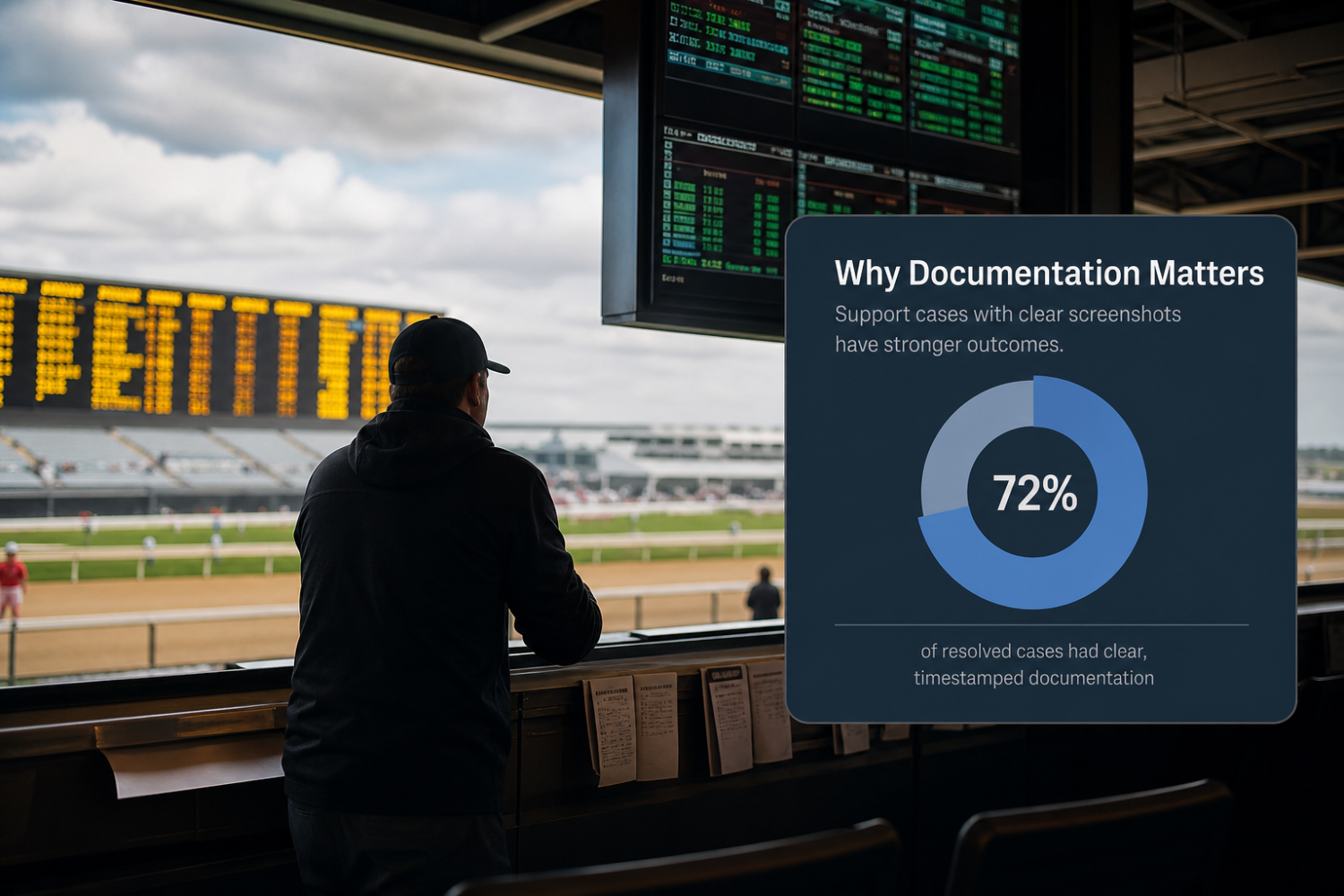
- Documentation is your protection. Screenshot the game title, balance, bet or play amount, timestamp, and result screen right away.
- Stop playing the affected game. More spins or clicks can make the record messy.
- Use one support thread. Keep your facts, screenshots, and replies in one place.
- Ask what happened to the stake. If a round is voided, ask whether the Gold Coins or Sweeps Coins used for that round were reinstated under the operator’s terms.
- Watch for patterns. One glitch can happen. Repeated issues around wins deserve extra attention.
What Is a Malfunction Clause in Sweeps Casino Terms?
A malfunction clause is a section in a sweepstakes casino’s terms that explains what happens if there is a technical error. The wording varies by operator, so players should always check the current terms on the site they use.
In plain English, it often means this: if the system breaks, displays the wrong result, credits an incorrect amount, shows a device result that does not match the server result, or pays outside the rules of the game, the operator may void or correct the affected play, prize, or balance.
That can feel unfair when you are staring at a winning-looking screen. But the clause should be used to cover real errors, not normal outcomes the operator later regrets.
What Should a Malfunction Clause Cover?
A fair malfunction clause should be about actual technical mistakes. Think software errors, display errors, stuck rounds, duplicated credits, server/device mismatches, or game behavior that clearly does not match the rules.
Here is the difference players should look for:
| Situation | What it may mean | Player-protective move |
|---|---|---|
| Game freezes mid-round | Possible software, connection, or server issue | Screenshot, stop playing, report the exact time and game title |
| Balance changes without a clear game result | Possible balance sync or crediting issue | Record before-and-after balances and save transaction history if available |
| Prize display looks impossible or inconsistent | Possible display, paytable, or math error | Screenshot the result screen, game info, and balance before refreshing |
| Device result conflicts with account history | Possible server/device mismatch | Save both the screen and account history, then ask support which record controls |
| Operator voids result but gives no explanation | Needs review and documentation | Ask for the clause, round ID if available, stake treatment, and written explanation |
A cleaner operator response usually includes a clear explanation, a reference to the relevant terms, and a correction of the affected round. If a play is voided because of a genuine malfunction, ask whether the Gold Coins or Sweeps Coins used for that round were reinstated, refunded, or otherwise handled under the operator’s current terms.
What Should You Do the Moment a Game Glitches?
When a sweeps game glitches, speed matters. Not dramatic speed. Receipt speed. You want proof before the screen resets, the session times out, or your balance updates again.
Receipts, Please: The Glitch Case File SweepsFlow Wants Players to Keep
Build a tiny glitch case file before you ever need one. It takes two minutes to set up and saves your future self from hunting through camera rolls like a detective in lip gloss.
Your glitch case file should include:
- Screenshot 1: the frozen game, error message, or unusual result
- Screenshot 2: your balance after the issue
- Timestamp: device clock, account history, email confirmation, or support ticket time
- Game name: exact title, not “that buffalo one” or “the pink bonus game”
- Round/session/transaction ID, if shown
- Session note: device used, browser or app, and whether Wi-Fi or mobile data was active
- Support thread: ticket number, chat transcript, and all replies
Why this works: support may be able to check internal logs, but your screenshots give them a player-side snapshot. If the operator’s logs and your visible screen tell different stories, your case file helps focus the review.
How to Report a Sweepstakes Casino Glitch
Your support message should be calm, short, and specific. Support teams can review clean facts faster than emotional paragraphs. You can be frustrated and still keep your receipt folder tidy.
Use this simple format:
| Include this | Example |
|---|---|
| Game title | “The issue happened in [game title].” |
| Date and time | “Around 8:42 p.m. ET on [date].” |
| Play amount | “The round used [amount] Sweeps Coins or Gold Coins.” |
| Round or transaction ID | “The round ID shown was [ID], if available.” |
| What happened | “The spin froze after the result screen appeared.” |
| Balance before and after | “My balance showed [before] before the issue and [after] afterward.” |
| Evidence | “I attached screenshots showing the screen, balance, and timestamp.” |
| Request | “Please review the round and confirm how the malfunction clause applies.” |
Copy/paste support template
“Hi, I’m reporting a possible technical issue from [game title] at approximately [time/time zone] on [date]. The round used [amount] [Gold Coins/Sweeps Coins]. The screen showed [brief description], and my balance before/after was [amounts if known]. I attached screenshots and any round or transaction ID available. Please review the round and let me know which term or malfunction clause applies, whether the round was voided or corrected, and how the stake was handled.”
Keep everything in one thread when possible. Starting five tickets can scatter your evidence and slow the review. If you need help thinking through a dispute, read Sweeps Flow’s Dispute Playbook before opening multiple tickets.
Can a Sweeps Casino Void a Win Because of a Glitch?
Yes, a sweeps casino may reserve the right to void or correct a result tied to a genuine malfunction if its terms say so. This is why reading the operator’s current terms matters before you play, especially the sections about errors, game interruptions, account balances, Sweeps Coins, Gold Coins, and redemption.
Some operators’ terms may state that if the result shown on a user’s device conflicts with the operator’s server record, the server record controls. That is one reason screenshots are important, but account history and support records matter too.
That said, players should pay attention to how the operator handles the issue. A strong response is transparent. It explains what happened, points to the terms, and addresses the affected play clearly.
If the answer is vague, delayed, or does not address your screenshots, ask polite follow-up questions. You are not being difficult. You are asking for the math to stop acting suspicious.
What Are Red Flags After a Technical Issue?
One glitch does not automatically mean an operator is unsafe. Games, payment systems, and account tools can have technical problems. But certain patterns deserve a closer look.
- The operator voids a result but will not identify the rule or clause used.
- Your balance changes and support does not explain the adjustment.
- You are told to keep playing while the issue is unresolved.
- The same type of glitch happens repeatedly around prize results.
- Support closes tickets without answering the main question.
- The operator will not say whether the stake was reinstated, refunded, or forfeited.
- The operator gives different explanations in different support replies.
If your account also gets restricted or locked after a dispute, document that too. Then read Sweeps Flow’s guide on what to do if your account is locked.
When Is a Glitch a Pattern?
One glitch can be software. Repeated glitches around wins, bonus rounds, or balance changes at the same operator are a pattern worth tracking. If multiple Sweeps Flow members report similar issues in the same week, log the operator, game title, time frame, screenshots available, and support response.
A useful pattern is not “my cousin heard something.” A useful pattern includes dates, game names, screenshots, ticket replies, and similar issue types. If you share your experience in a player group, remove personal details first: no full names, addresses, account IDs, redemption documents, or private support screenshots.
Bestie rule: one receipt helps your ticket. Three matching receipts help the community see the pattern.
How to Protect Yourself Before the Next Glitch
You do not need to turn every play session into a courtroom exhibit. But a few habits can save you stress later.
Before You Play
- Read the operator’s current malfunction, void-game, error, and balance-correction terms.
- If you play often, save a dated copy of the operator’s relevant terms. If a dispute happens later, you can compare what changed.
- Know where account history, game history, and support tools live.
- Set a spending and time limit before you start.
- Do not play with money needed for bills, groceries, rent, debt, or savings.
During Play
- Take occasional balance screenshots before longer sessions, after large wins, and before redemption requests.
- Slow down after bonus rounds or unusual game behavior.
- Do not refresh a frozen result until you capture it.
After a Glitch
- Stop playing the affected title.
- Save screenshots and videos in one folder.
- Send one factual support ticket.
- Wait for a written response before making assumptions.
Responsible play note: Sweepstakes casinos are for entertainment, not income. Do not chase a disputed result by spending more, and take a break if a glitch leaves you upset or tempted to play longer than planned.
What to Do Next
- Practice the screenshot habit. During a normal session, see how quickly you can capture the game title, balance, play amount, and time.
- Read one operator’s malfunction or void game clause tonight. It usually takes less than a few minutes and removes a lot of surprise.
- Keep your records tidy. Create a folder for screenshots, support emails, and account history.
- Compare terms before signing up. If you are new, start with SweepsFlow’s beginner resources or create a SweepsFlow account at SweepsFlow.com/register.
Sweeps Flow Take
The malfunction clause is not the fun part of sweeps play, but it is one of the terms players should understand early. A real glitch can lead to a voided or corrected result, and the operator’s current terms will guide what happens next.
Our bestie advice: When sweeps glitches happen, do not argue from memory. Argue from receipts.
FAQs About Sweeps Glitches and the Malfunction Clause
Can a sweeps casino void my win because of a glitch?
Yes, if the operator’s terms include a malfunction, void-game, or technical-error clause and the result was tied to a genuine technical error. Check the current site terms. If your result is voided, ask for a written explanation and save all screenshots, timestamps, and balance records.
What should I do first when a game freezes?
Take a screenshot right away. Try to capture the game screen, game title, balance, play amount, time, and any round or transaction ID shown. If the frozen screen stays visible, a short screen recording may help. Then stop playing that game and contact official support.
Should I keep playing after a glitch?
It is better to stop playing the affected title until the issue is documented and reported. More play can make the timeline harder to review and may overwrite the state you need to document.
What if my balance changes after a glitch?
Write down the balance before and after if you know it, then screenshot your account history, transaction history, and any relevant support or system messages. Balance discrepancies are easier to review when you provide exact numbers, times, and game details.
Are repeated glitches a red flag?
Repeated glitches, especially around prize results, bonus rounds, or balance changes, are worth tracking. One technical issue can happen. A pattern of similar issues, unclear explanations, or missing balance adjustments deserves closer review and careful documentation.
What should I ask support after a malfunction?
Ask support to confirm the game title, round or transaction ID if available, whether the result was voided or corrected, which term applies, whether the stake was reinstated, and what the final balance should be.
Should I refresh a frozen game screen?
Not before you capture proof. Screenshot the game title, balance, play amount, timestamp, and any round or transaction ID first. If the issue stays visible, a short screen recording may help. After that, report the issue through official support.
Affiliate disclosure: SweepsFlow may earn a commission if you visit or sign up with some operators through our links. Our editorial guidance stays player-first, and we do not promise redemptions, prizes, outcomes, or dispute results.

Error